

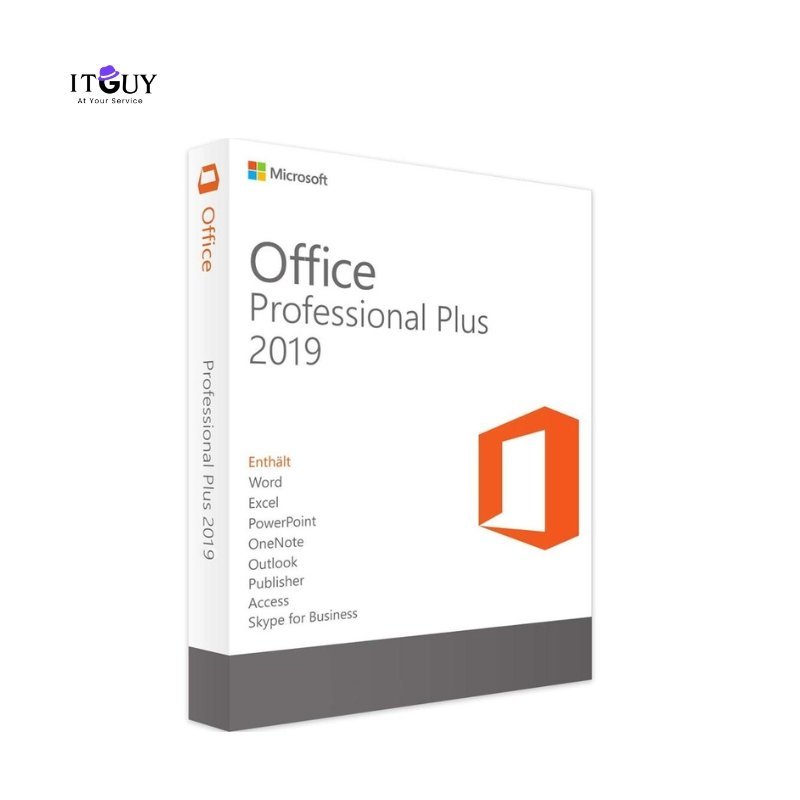
Activate your Microsoft Office 2019 Professional Plus securely through official Microsoft Phone Activation. This product provides a lifetime license for one device, delivering access to the full suite of Office applications, including Word, Excel, PowerPoint, Outlook, Access, and Publisher.
This method is ideal for users who prefer direct assistance during activation. The entire process is safe, fast, and verified through Microsoft’s activation system.
Key Features
- Lifetime activation for one PC (Windows)
- One-time payment, no subscription required
- 100% genuine Microsoft product key
- Includes full versions of: Word, Excel, PowerPoint, Outlook, Access, Publisher
- Works on Windows 10 and Windows 11
- Supports both 32-bit and 64-bit systems
- Secure Microsoft phone activation process
How Phone Activation Works?
- Install Office 2019 Pro Plus using the setup file provided after purchase.
- Once installed, open any Office app (like Word or Excel).
- When prompted for activation, select “I want to activate the software by telephone.”
- You will see an Installation ID on your screen.
- Share your Installation ID (or a clear screenshot of the entire activation window) with our support team.
- Within 1–2 minutes, we will send your Confirmation ID back.
- Enter the Confirmation ID in the same window and complete activation.
- Office 2019 Pro Plus will now be fully activated for lifetime use.
Looking for another version? Check here.
Why Choose Phone Activation?
- Fast and reliable method supported by Microsoft’s official servers
- No third-party tools required
- Personalized support during activation
- Works even if online activation fails
- Permanent license – never expires
System Requirements
- OS: Windows 10 or Windows 11
- Processor: 1.6 GHz or faster, dual-core
- Memory: 4 GB RAM (64-bit), 2 GB RAM (32-bit)
- Storage: 4 GB available disk space
Important Activation Notice
Please read the following notes and disclaimers before purchasing. This product uses Phone Activation and is intended for one-time activation only.
- The key is valid for first-time activation on one device.
- Once activated successfully, the key cannot be reused.
- If you reinstall Microsoft Office, reinstall Windows, or reset/format your PC, the same key may NOT work again.
- Hardware changes (such as motherboard replacement) can also cause the key to fail reactivation.
- Microsoft does not guarantee reactivation for phone-activated keys.
Recommended for users who:
- Do not plan to reinstall Windows or Office.
- Want a lower-cost, one-time activation solution.
Is it your first purchase from IT Guy? Here’s a glimpse of what customer experience looks like.
AK (verified owner) –
Amazing experience
AK (verified owner) –
Amazing experience