
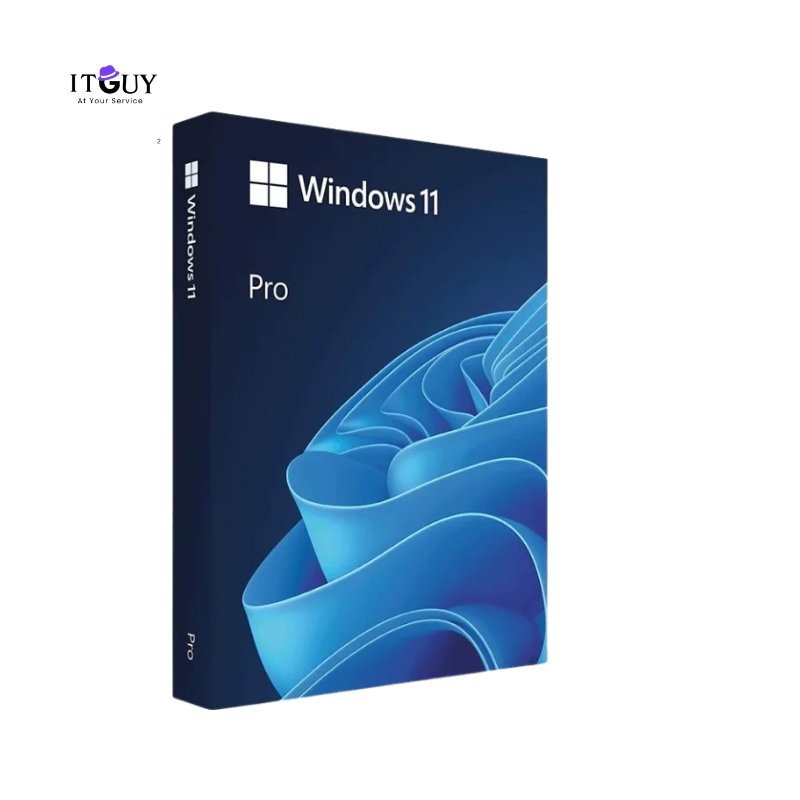

A genuine Windows 11 Pro Retail Product Key gives you full control of your PC, built for professionals, advanced users, and anyone who wants the complete Windows experience without limitations. From enterprise-grade BitLocker encryption to seamless business tool integration, this retail license offers features the Home edition simply does not. Requires a 1 GHz or faster processor, 4GB of RAM, and 64GB of storage, making it compatible with most modern devices.
Unlike OEM licenses, which are permanently tied to a single device, a Windows 11 Pro Retail Product Key lets you transfer your license to a new machine, making it a smarter long-term investment for anyone who upgrades their hardware regularly.
Benefits of Purchasing Windows 11 Pro Retail Product Key
A retail license is the most flexible way to own Windows 11 Pro, giving you genuine activation, full access to all features, and the freedom to transfer your license when your setup changes. Here is what you get:
- Genuine retail license with cross-device transferability. Unlike OEM keys, this license can be deactivated and moved to a new device when you upgrade your hardware, protecting your investment beyond a single machine.
- Full access to BitLocker, Hyper-V, and Remote Desktop. Professional-tier features are unavailable in Windows 11 Home. BitLocker encrypts your drives, Hyper-V runs virtual machines natively, and Remote Desktop gives you access to your PC from anywhere.
- Instant digital delivery with no waiting time. Your key is delivered electronically immediately after purchase confirmation, so you can get up and running without delays.
- Lifetime activation with no recurring subscription. Once activated, your license remains valid for the life of the device or until you choose to transfer it to another machine.
- Priority access to Windows updates and new features. Stay current with the latest security patches and feature rollouts delivered through Windows Update at no additional cost.
- Advanced productivity tools for professional workflows. Snap Layouts, virtual desktops, Group Policy support, and enterprise management capabilities make Windows 11 Pro the preferred choice for users who push their systems hard.
Who Needs Windows 11 Pro Retail Product Key?
- Power users and enthusiasts who want a transferable retail license they can carry from one build to the next, without having to purchase Windows again.
- Professionals and freelancers who rely on BitLocker, Remote Desktop, or Hyper-V virtual machines for their day-to-day work.
- Small business owners setting up workstations who need genuine, fully licensed software with enterprise management tools.
- Anyone upgrading from Windows 10 or Windows 11 Home who wants to unlock the full Pro feature set through a clean retail-grade activation.
What You Will Receive
- Windows 11 Pro Retail Product Key is delivered digitally after purchase confirmation.
- Access to official Microsoft installation media for a clean install or in-place upgrade.
- Step-by-step activation instructions for new and existing Windows systems.
- Customer support for any activation or installation issues during the warranty period.
Important Notes
- This key supports activation of Windows on one device at a time and can be transferred only after it is deactivated from the previous system.
- Major hardware changes, such as a motherboard replacement, may trigger a reactivation prompt requiring Microsoft support.
- An internet connection is required for initial activation. All outcomes are subject to Microsoft’s current licensing policies.
- This is a digital product. No physical media, packaging, or printed materials will be provided.
Disclaimer
This is a digital retail license key. Activation, reactivation, and transfer eligibility are governed by Microsoft’s licensing terms at the time of use. IT Guy makes no guarantees regarding activation outcomes resulting from significant hardware modifications or changes to Microsoft’s activation policies.
Sehrish Khalid (store manager) –
Fantastic experience! The website was easy to use, checkout was smooth, and my order arrived earlier than expected. Couldn’t be happier.
Ahmedyar Khan (verified owner) –
Key 100,% beet
Aaquib Inayat (verified owner) –
Excellent Product
Adnan Zaheer (verified owner) –
100% Genuine.
Muhammad Sarmad (verified owner) –
Great product
Zeeshan Siddique (verified owner) –
Best experience windows activated successfully
Zeeshan Siddique (verified owner) –
Best experience windows 11 activated successfully
MUHAMMAD MOHSIN RASHEED (verified owner) –
I recently obtained my Windows 11 and Office 365 product keys from ITGuide.pk, and I am thoroughly impressed with the experience. The website offered a seamless and efficient process, and the product keys were delivered promptly. I am completely satisfied and would not hesitate to use their services again.
Sheikh Faizan (verified owner) –
nice and responsive support. delivered timely.