The question “What is a license key?” is everywhere, especially around Windows and common productivity apps. In short, the code proves your right to use the software. But beyond that, license keys protect features, updates, and security.
At IT Guy, we envision a Pakistan where every system runs licensed software. After being compromised by unauthorized activators ourselves, we launched a platform to provide original product keys at the best prices for Windows, Microsoft Office, and other commonly used software across industries. Licensed software keeps your business safe, legal, and productive.
What Is A License Key?
A license or product key is like your password, allowing you to access and use your phone’s 100% features. Vendors and organizations issue alphanumeric codes to unlock all software features. These license keys are alphanumeric codes that verify your right to use, run, activate, and receive regular functional and security updates for a program. It also aims to protect you from unauthorized use and ties a copy of the software to a user or device.
- What Is The License Key For Windows?
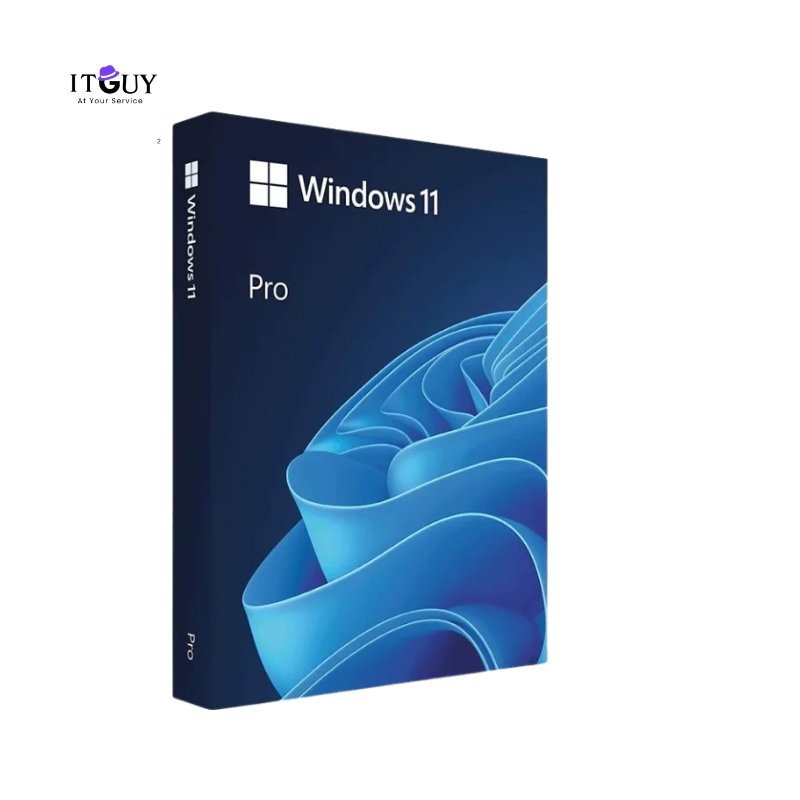
A Windows license key (product key) unlocks your Windows edition, enables updates and activation checks, and lets Microsoft validate your copy for security and support.
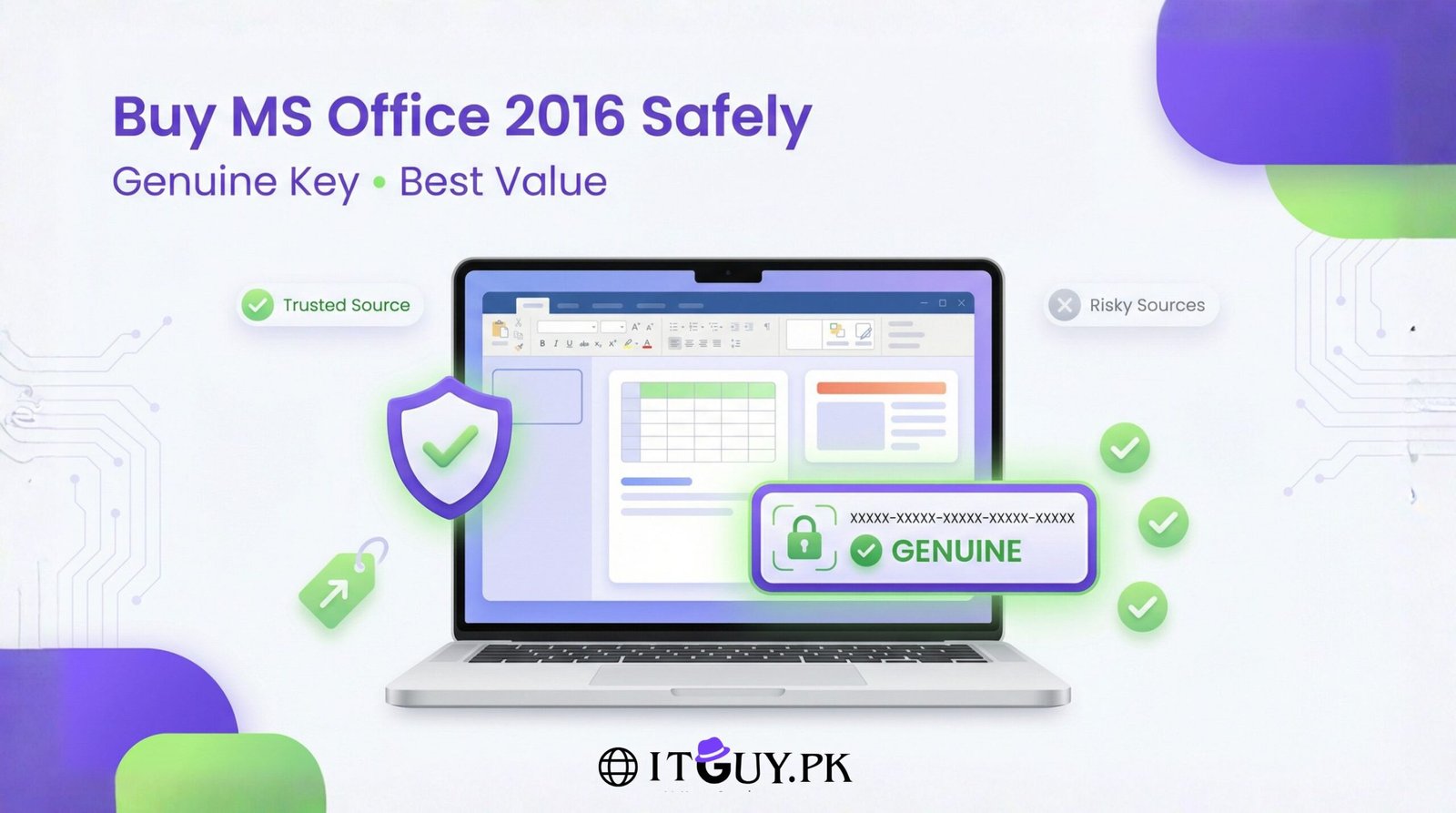
- What Does The License Key For Microsoft Office Does?
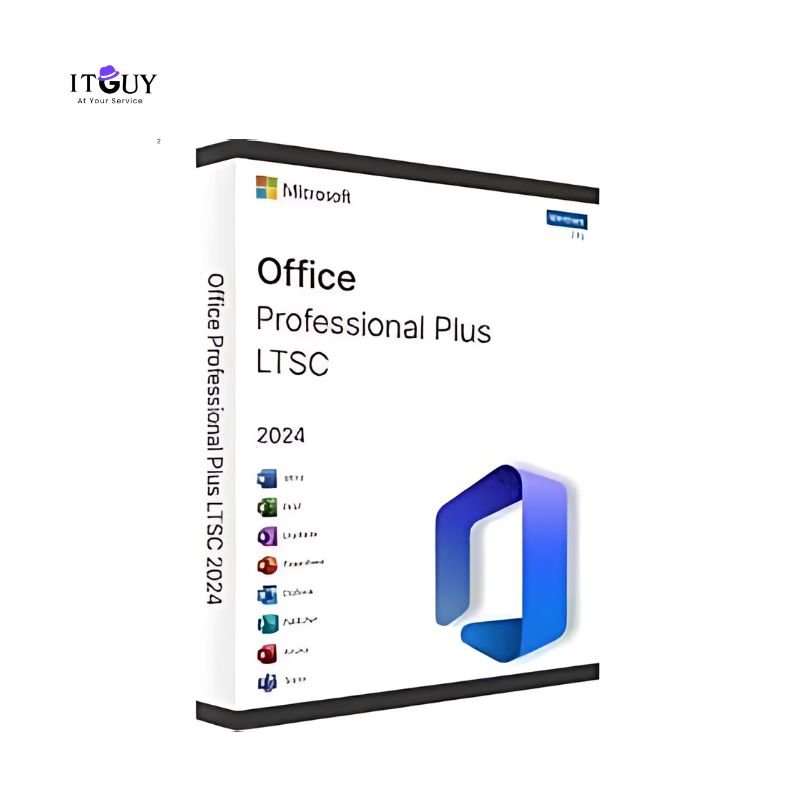
Office keys activate Word, Excel, PowerPoint, and enable feature updates, cloud services, and official patches so documents remain compatible and secure.
- Is License Key Important For Adobe?
Adobe keys (or subscription licenses) enable full access to apps like Photoshop or Acrobat, allow updates, and link your account to cloud storage and fonts.
- How Important Is A License Key For Quickbooks?
QuickBooks license codes unlock accounting features, secure financial data, and give you access to official updates and customer support from Intuit.
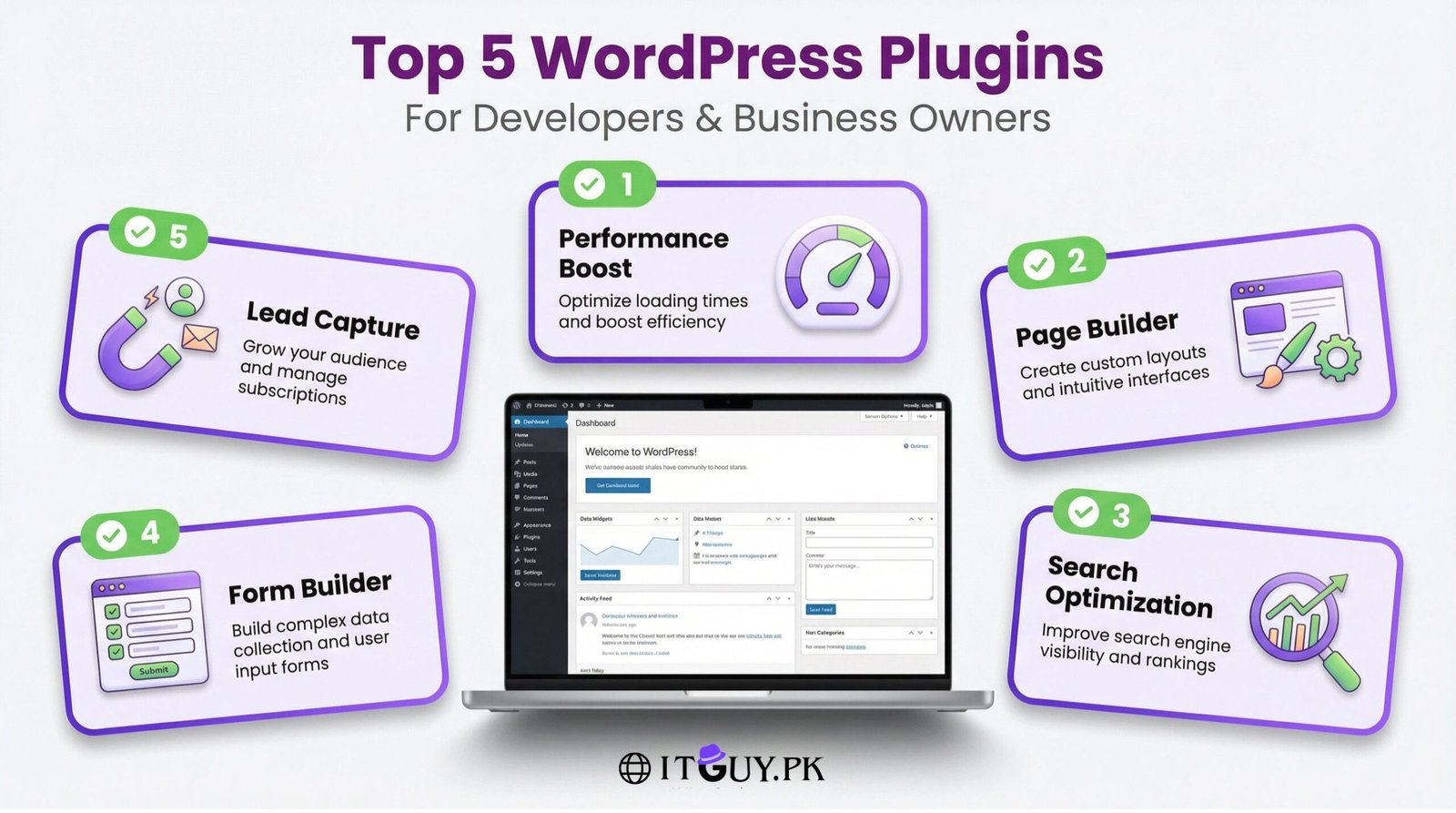
- When Do You Need License Keys For Elementor Pro & Wordpress Plugins?
Plugin licenses (Elementor Pro, premium WordPress plugins) enable plugin updates, premium templates, and theme compatibility, preventing site breakage and security risks.

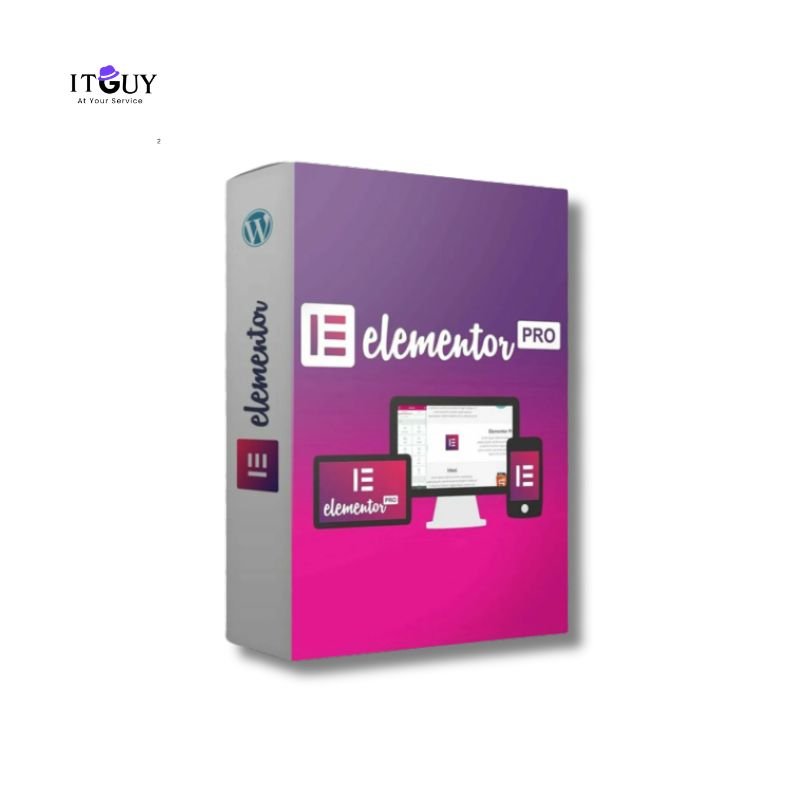
Elementor Pro License – 1 Year for 1 Site (Genuine Activation)
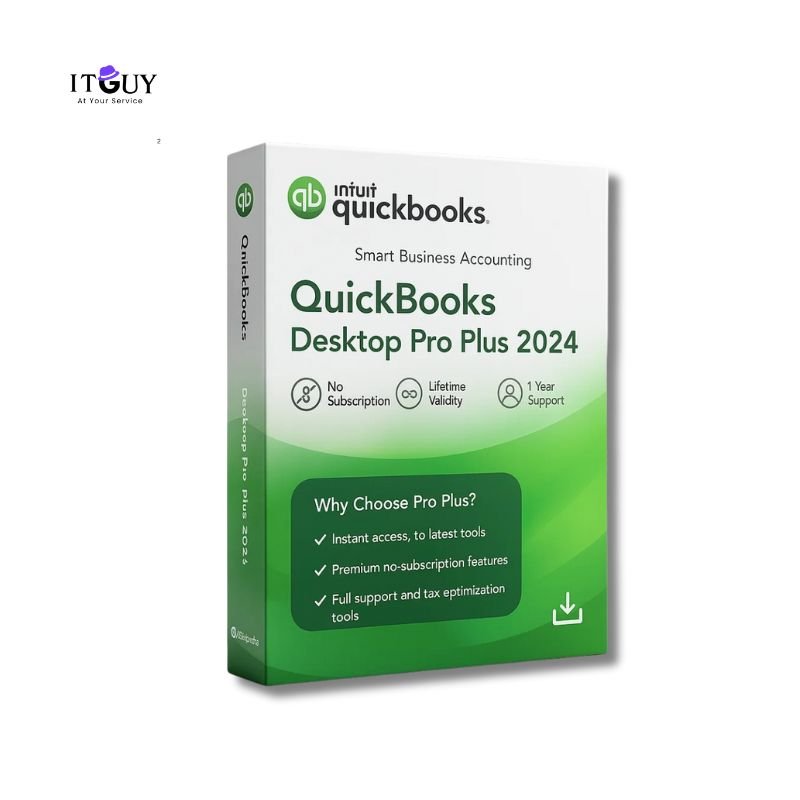
Original price was: ₨17,035.00.₨5,199.00Current price is: ₨5,199.00.SaleQuickBooks Pro Plus 2024 – 1 Device Lifetime
Original price was: ₨12,000.00.₨4,999.00Current price is: ₨4,999.00.SaleMicrosoft Office 2024 Pro Plus LTSC
Original price was: ₨5,999.00.₨2,350.00Current price is: ₨2,350.00.SaleWindows 11 Pro Retail Product Key
Original price was: ₨3,950.00.₨2,199.00Current price is: ₨2,199.00.Sale
What Is The License Key's Importance?
Firstly, they are super important for you to unlock 100% software functionalities. Secondly, they keep your system secure, and ensure you get official updates, support and legal protection. Furthermore, for businesses and individuals in Pakistan, licensed software reduces risk, lowers long-term costs, ensure compatibility with your systems, and keeps workflows auditable and reliable. Security and activation problems should not halt the processes.
A license key is a vendor-issued code that unlocks software features, permits official updates, and proves lawful ownership: stopping unauthorized copies and reducing malware and compatibility issues. Key benefits include:
- Full features access: Licensed software gives you the complete, intended functionality.
- Security while using a program: Official updates and patches reduce malware and vulnerability exposure.
- Cost savings: Avoid hidden long-term costs (downtime, breaches, rework).
- Legal protection: Compliance reduces legal and reputational risk.
- Technical support: Vendors provide licensed users with help, patches, and compatibility fixes.
Read more about the risks of using activators for Windows and other software:
Types Of Licenses: OEM vs Retail vs Volume Licensing Options
OEM licenses are tied to the PC hardware and are usually preinstalled on brand-name machines. They’re the most affordable license for the Windows option, but are non-transferable: if the motherboard changes, the license usually stays with the original device. Best for system builders, OEM PCs, and users who don’t plan to upgrade hardware.
Retail licenses (boxed or digital) are purchased directly and can be moved between PCs. They include full vendor support and portability, making them ideal for power users, frequent upgraders, and small businesses. Retail purchases give a straightforward product key you can keep and reuse.
Volume licensing suits organizations that need many seats and centralized management. Options such as KMS or MAK simplify activation and inventory so IT teams can track compliance, renewals, and updates across devices. For companies wondering how to activate Windows at scale, volume licenses reduce admin overhead and streamline deployment.
How to activate Windows and Other Software?
First, check the activation status of your Windows and installed software: this tells you whether a genuine license is already present or if an activator has been used. If something looks shady, follow the secure steps below to move to licensed software.
Follow the steps below to activate your Windows and Other Software the right way:
- Flush unauthorized activators: If you previously used a crack, fully clean the system (backup data, remove malicious scripts, and reset admin changes) to stop hidden processes that re-activate cracks.
- Install official Windows media: Download Windows installation media only from the official Microsoft site or the Windows Store and perform a fresh install if needed.
- Buy product key from IT Guy: Purchase a verified product key (we supply Windows, Office, QuickBooks, plugins) and apply it during or after installation to enable full features.
- Enjoy a secure experience: With a valid license for Windows and other software, you receive updates, support, and a safer system.
Troubleshooting Common Activation Errors
- Product key invalid / “key not accepted”
How to fix it?
- Re-enter the key carefully (no extra spaces or wrong characters).
- Confirm the key matches the Windows edition installed (Home vs Pro).
- Try the Settings → Activation → Change product key flow.
- If it still fails, contact your vendor or IT Guy to verify the key.
- Activation failed after hardware change
Simple and easy way to mitigate this type of error:
- Open Settings → Update & Security → Activation and run the Activation troubleshooter.
- Sign in to reactivate if you linked a digital entitlement to your Microsoft account.
- If not, re-enter your product key or use a transferred retail license.
- Contact Microsoft support if automated tools can’t validate the license.
- Activation server/network errors
Steps to fix below:
- Check internet connectivity; disable VPNs, proxies, or strict firewalls temporarily.
- Run Windows Update and reboot—some updates fix activation connectivity.
- Retry activation (Settings → Activation).
- If persistent, note the error code and contact Microsoft support or your vendor.
- Activation blocked by unauthorized activator or system changes
Follow the steps below to fix this error:
- Uninstall known activators and run a reputable anti-malware scan to remove backdoors.
- Backup data, then perform a clean install using official Windows media from Microsoft.
- During or after install, use a verified product key (or sign in to your Microsoft account linked digital license).
- If you need help, contact the IT Guy for secure migration and activation support.
Voice Of Customers: Do You Have To Buy Windows For A New PC?
Yes. You will have to buy Windows if your new PC does not come pre-activated with a legitimate Windows license. You will specifically need to buy a Windows product key or a PC with an OEM license. Many retail and OEM systems include a license for Windows out of the box, but generic or custom-built PCs often require you to purchase and activate Windows separately. Before purchasing, run your query through us so we can guide you in making the right choice.
Buying a license for Windows ensures updates, driver compatibility, and security patches from Microsoft. If you ask, “Do you have to buy Windows for a new PC?” remember: buying an official license avoids activation problems, legal risk, and the security pitfalls of unauthorized activators.
Be an IT Guy’s Valued Customer Today!
Licensed software is more than a legal checkbox: it’s the foundation of a secure, reliable IT environment. If you’re ready to move to genuine licenses and worry-free activations, become an IT Guy valued customer today. We’ll help you choose the right license and ensure a smooth, secure activation so your systems run safely and efficiently.
1. If the product already appears activated, what could it mean?
It often means a shady crack or activator script is still running or has modified your system. Clean the PC, reinstall Windows from official media, and then use a verified product key from the IT Guy.
2. Do you offer COD?
No. Cash on Delivery is not applicable for digital products. Digital keys are delivered electronically; COD isn’t secure or practical for instant digital delivery.
3. Do you offer product keys in bulk for resellers or companies?
Yes, we supply bulk licenses for resellers and organizations. Please contact us via WhatsApp or email to discuss volume pricing and licensing needs before placing a bulk order.
4. How to activate Windows securely?
- Ensure you have a clean, official Windows install.
- Open Settings → Update & Security → Activation.
- Click “Change product key” and enter your purchased key.
- Restart and check activation status. (Also ensure internet access is available for validation.)
5. How many characters does a Windows license key have?
A standard Windows product key is 25 characters, shown in five groups of five (e.g., XXXXX-XXXXX-XXXXX-XXXXX-XXXXX).
6. Do you have a QuickBooks license key?
Yes, IT Guy supplies verified QuickBooks product keys and subscriptions. Contact our sales team to confirm the exact version, edition, and licensing terms you need.
7. Do you have license keys for all versions of Windows?
We provide keys for commonly used and currently supported editions, including:
- Windows 11 (Home, Pro, Pro for Workstations, Enterprise, Education)
- Windows 10 (Home, Pro, Pro Education, Enterprise, LTSC)
- Legacy/extended needs (Windows 8.1, Windows 7 Extended for specific legacy systems): availability depends on vendor support and licensing restrictions; check with our team for specific requirements.