

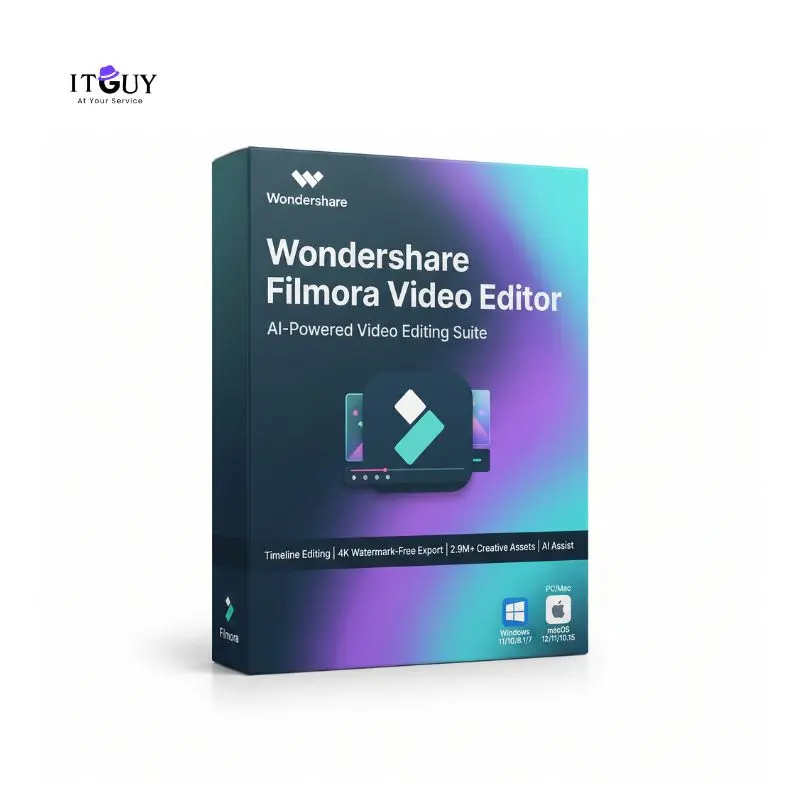
Edit Faster with a Filmora Video Editor License
A genuine Filmora Video Editor License brings together timeline editing, color grading, and AI assisted tools in a single application designed to feel approachable for beginners while still offering the depth serious creators need. It runs on Windows and Mac. This license covers the software subscription or perpetual license and does not include Filmora Creative Assets.
Benefits of Purchasing a Filmora Video Editor License
- Full timeline and multi-camera editing. A Filmora Video Editor License includes magnetic timeline editing, multi-camera support, motion tracking, planar tracking, and keyframe animation for building projects that move beyond simple cuts.
- Built-in color grading tools. HSL adjustments, 3D LUTs, RGB curves, white balance, sharpening, and HDR support give you control over the look of your footage directly inside the editor.
- AI Mate and AI powered editing tools. Filmora includes AI Mate for guided editing assistance, along with more than 20 AI features covering tasks like text based editing, smart short clips, and AI video enhancement.
- Watermark-free exports up to 8K. Paid plans remove the watermark added to free exports and support export resolutions up to 8K, alongside multiple output formats for different devices and social platforms.
Who This Is Ideal For
- Content creators and YouTubers who need a fast, approachable video editor for regular uploads without learning a professional suite from scratch.
- Social media marketers producing short-form video for Instagram, TikTok, and YouTube Shorts who want built-in AI tools to speed up turnaround.
- Small business owners and freelancers creating product videos, promos, or client work who need watermark-free exports and a dependable editing toolkit.
- Hobbyists and students editing personal projects, vlogs, or coursework who want strong results with a Filmora Video Editor License.
Complementary Software Tools
Content creators producing high-resolution video projects can pair their Filmora Video Editor License with Internet Download Manager (IDM) for fast asset downloads and Nitro PDF Pro for managing storyboards and client licensing agreements.
What You Will Receive
- A genuine Filmora Video Editor License activation key or account credential delivered digitally after your order is confirmed.
- Access to the official Filmora download for your chosen platform (Windows or Mac).
- Step-by-step activation instructions covering sign-in through your Wondershare ID.
- Customer support for any activation issues during your warranty period.
Important Notes
- Filmora Creative Assets are not included with any plan. This pricing covers the software subscription or perpetual license only.
- Cross-platform subscriptions (Basic and Advanced) work on one Windows PC and one Mac simultaneously.
- Perpetual licenses cover one device only, either Windows or Mac based on the edition selected at checkout.
- The Perpetual plan is a one-time payment for the current major version and includes minor version updates, but does not include future major version upgrades.
- Subscription plans (Basic and Advanced) renew automatically unless cancelled before the end of the billing period.
- An internet connection is required for activation and online features.
- This is a digital product delivered electronically. No physical packaging or disc is shipped.
System Requirements
Windows
- Operating system: Windows 7, 8.1, 10, or 11 on x64 systems; Windows 10 or 11 on ARM systems.
- Processor: Intel 6th Gen or AMD Ryzen 3 1300X minimum; Intel 9th Gen or newer recommended for smooth HD and 4K editing.
- Memory: 8 GB RAM minimum; 16 GB recommended for HD and 4K editing.
- Graphics: NVIDIA GeForce GTX 1050 Ti, Intel UHD Graphics 630, or AMD Radeon RX 500 series with 2 GB VRAM minimum; 4 GB VRAM recommended for HD and 4K editing.
- Storage: at least 10 GB free space, with an SSD recommended for HD and 4K work.
Mac
- Hardware: iMac from 2017 or later, or MacBook from 2018 or later, including Apple Silicon models.
- Operating system: macOS 11 (Big Sur) or newer.
- Memory: 8 GB RAM minimum; 16 GB recommended for HD and 4K editing.
- Graphics: Iris Plus Graphics 645 or AMD Radeon Pro 555 minimum, with 2 GB VRAM minimum.
- Storage: at least 10 GB free space, with an SSD recommended for HD and 4K work.

Reviews
There are no reviews yet.